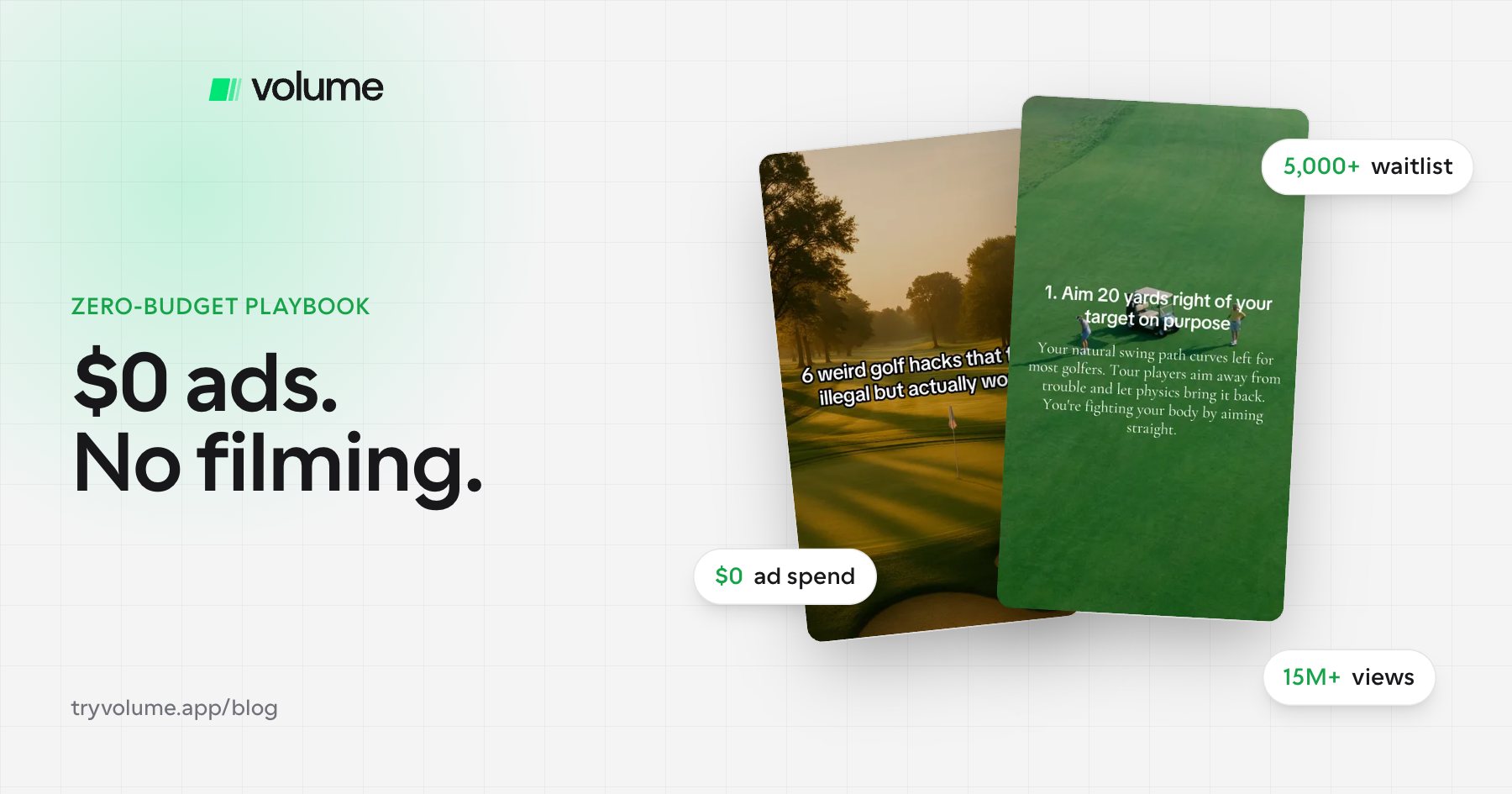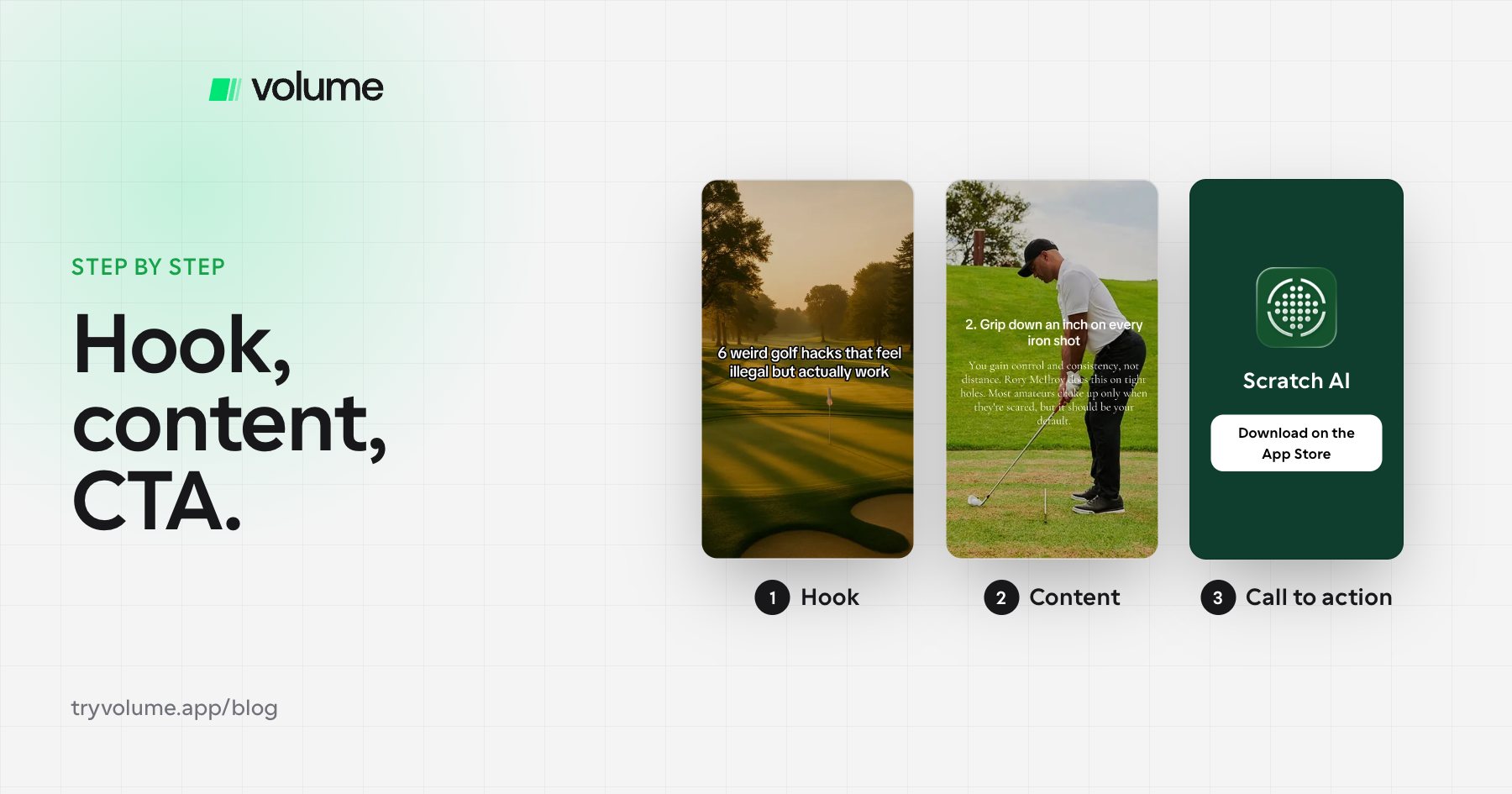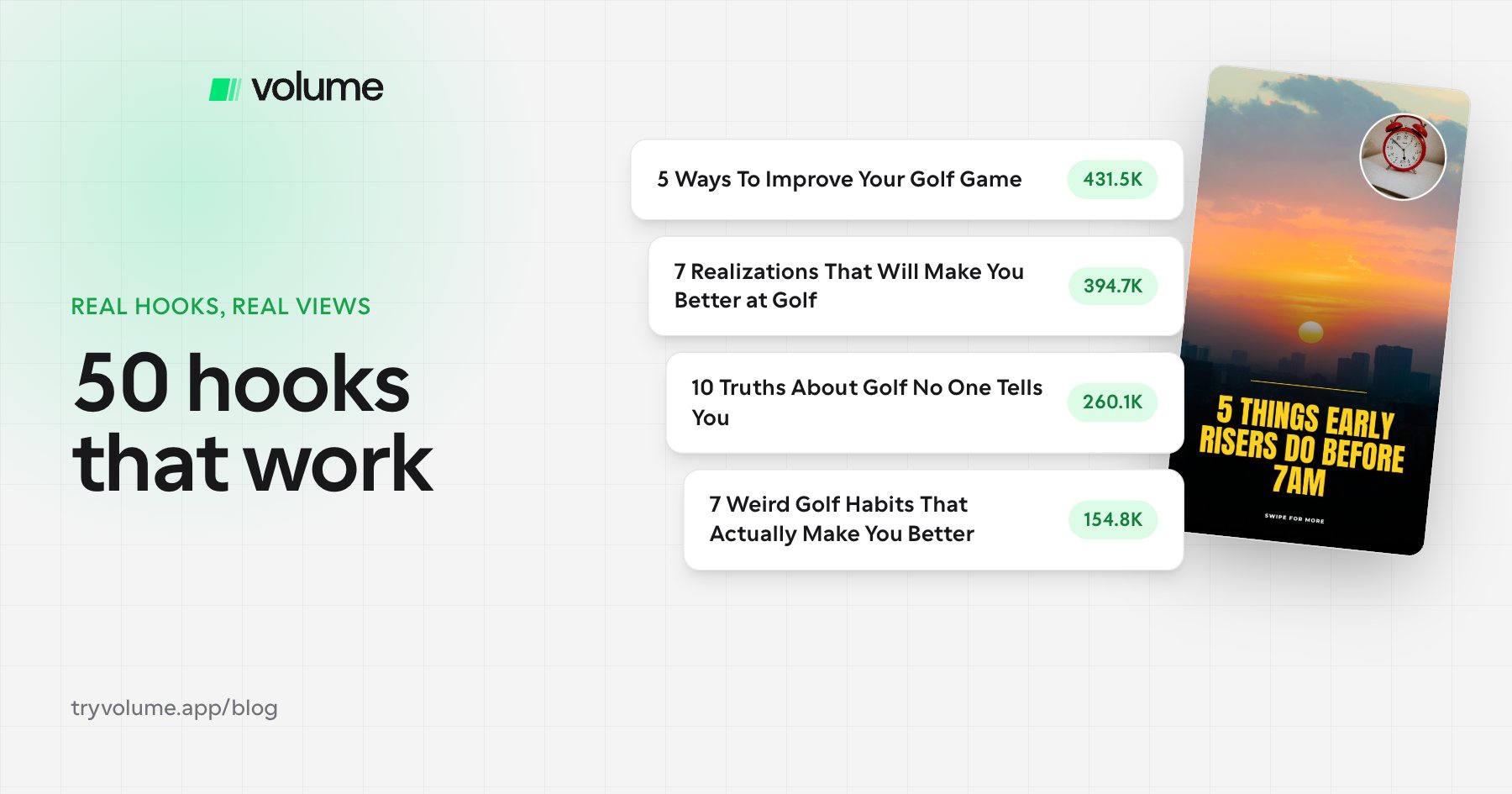
Apps like Scratch AI have historically used slideshows as a core growth channel, and plenty of consumer apps are quietly doing the same on TikTok and Instagram.
The catch has always been time. A good carousel can take 30 to 40 minutes to design by hand. Volume just released its slideshow editor and a Volume MCP (Model Context Protocol) server, which means you can connect Claude directly to your editor and have it build slideshows for you in a couple of minutes.
Here's how to set it up and use it to market your app.
Why faceless slideshows work for app marketing
For indie hackers and app founders, faceless content solves a few problems at once. It isn't tied to one person, one location, or one filming setup, so it's easy to scale across multiple accounts. Slideshows get strong reach on TikTok photo mode and Instagram carousels, where swipe-through formats drive saves and shares. And they're easy to mix products into: a listicle or "things I wish I knew" slideshow can feature your app on slide four without feeling like an ad.
The bottleneck has always been production. That's where AI slideshow automation with Claude comes in.
How to connect Claude to Volume
Setup takes a few minutes, and you only do it once.
- In Claude, go to Settings → Connectors and click Add custom connector.
- Name it Volume.
- Paste the MCP URL from the Volume Editor page (it's shown in the "Connect your agent" panel).
- Click Connect. A Volume tab opens so you can authorize the connection.
That's it. Claude can now create and edit slideshows inside your Volume workspace. If you use Claude Code, Cursor, ChatGPT, or Codex instead, the Editor page has setup instructions for each.
How to make a slideshow with Claude
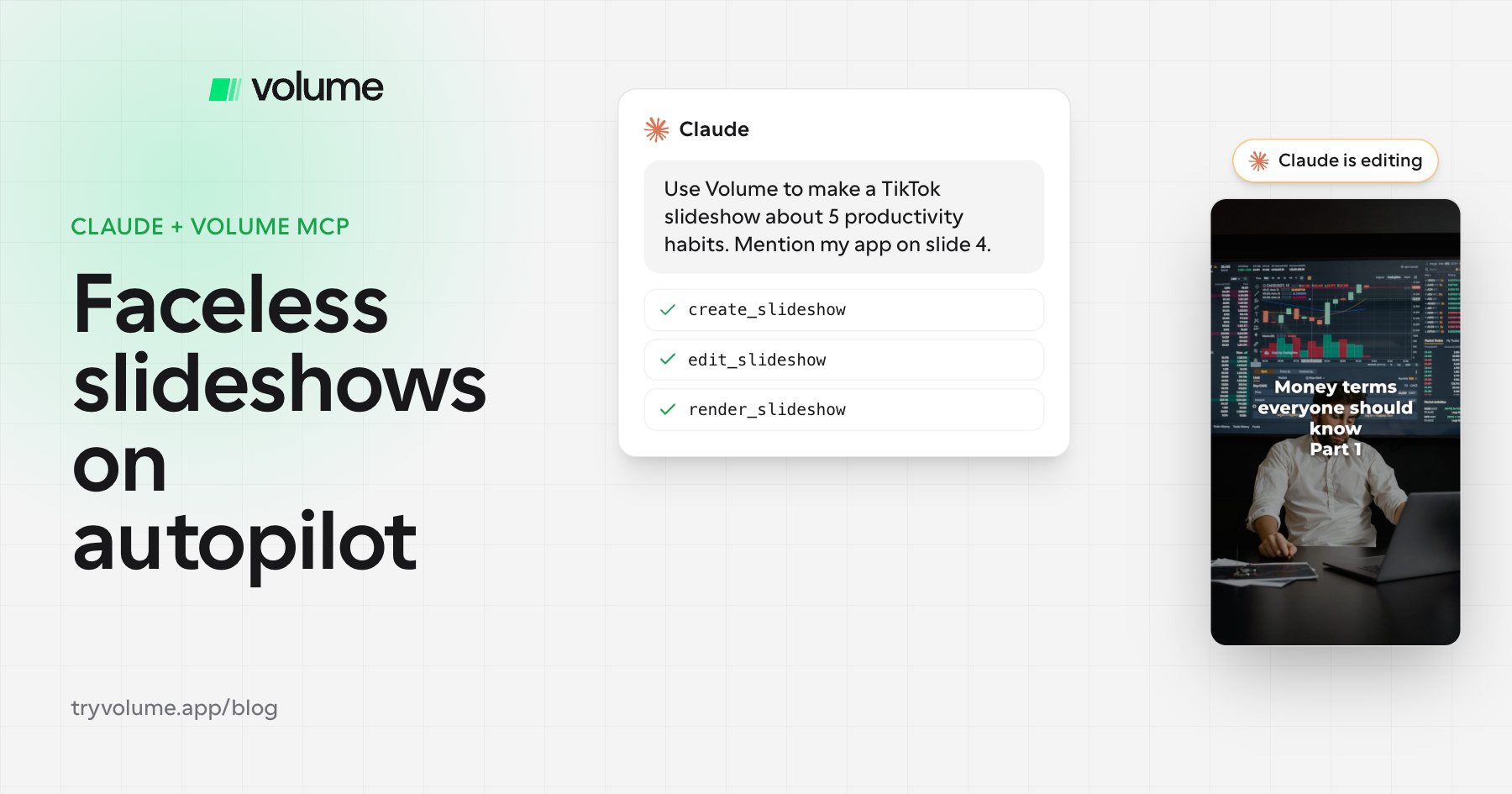
Open a slideshow in the Volume editor, then go back to Claude and describe what you want. For example:
"Use Volume to make a TikTok slideshow about 5 productivity habits for students. Mention my app on slide 4. Render it and show me before you say it's done."
Claude builds the slides in your editor while you watch, and can render previews so you can check the result before posting. You can choose TikTok (9:16) or Instagram (4:5) formats.
Recreate the style of carousels that already perform
This is the part that changes the workflow. When you see a carousel that's clearly working, copy the link to the post and give it to Claude:
"Use the Volume MCP to look at this post and make a slideshow for my app in the same style."
Claude opens the public Instagram or TikTok post, studies the layout, hook structure, and pacing, and builds an original slideshow for your product in that format. It's the fastest way to turn competitor research into content.
Edit with plain language
You don't have to touch the editor to make changes. Just tell Claude what you want: a punchier hook on slide one, bigger text, a different background, swapping the order of two slides. It updates the Volume slideshow directly. You can still jump into the editor for manual tweaks whenever you'd like.
Make it on-brand
Upload your brand logos, fonts, and colors so every slideshow looks like it came from your team. The first slideshow takes the longest because you're dialing in the look and your prompts. After that, most slideshows take a couple of minutes instead of 40.
FAQ
- What is the Volume MCP?
- It's a connector that lets AI assistants like Claude create, edit, and render slideshows inside the Volume editor.
- Can Claude make TikTok and Instagram carousels?
- Yes. With Volume connected, Claude can build slideshows in TikTok 9:16 or Instagram 4:5 formats and preview them before you post.
- Do I need to know how to code?
- No. Setup is adding a custom connector in Claude's settings, and everything after that is plain-language prompts.
- How long does it take to make a slideshow?
- After the initial setup and your first slideshow, usually just a few minutes.
Try it
If you're growing an app and want a faceless content engine without the hours of design work, Volume is worth a look. Sign up, connect Claude, and make your first slideshow. Worst case, you've saved yourself an afternoon in Canva.