TikTok slideshows fix a lot of that. They're repeatable and scalable. A video usually needs a new concept every time. With a slideshow, once you find a concept that works, you can reuse it again and again. Here's how to make TikTok slideshows that actually drive downloads.
Step 1: Find your app's "aha" screen
Your aha screen is the one screen that instantly explains what your app does. For a calorie tracking app, it might be the screen that shows up after you scan an apple: calories, macros, and health numbers all in one place. That screen shows exactly the value a user will get.
A good test: if you showed this screen to your mom, your barber, or the president, would they all get it right away? If yes, you've found it. You'll use this screen in your call to action slide, so it's worth getting right.
Step 2: Understand the three parts of a slideshow
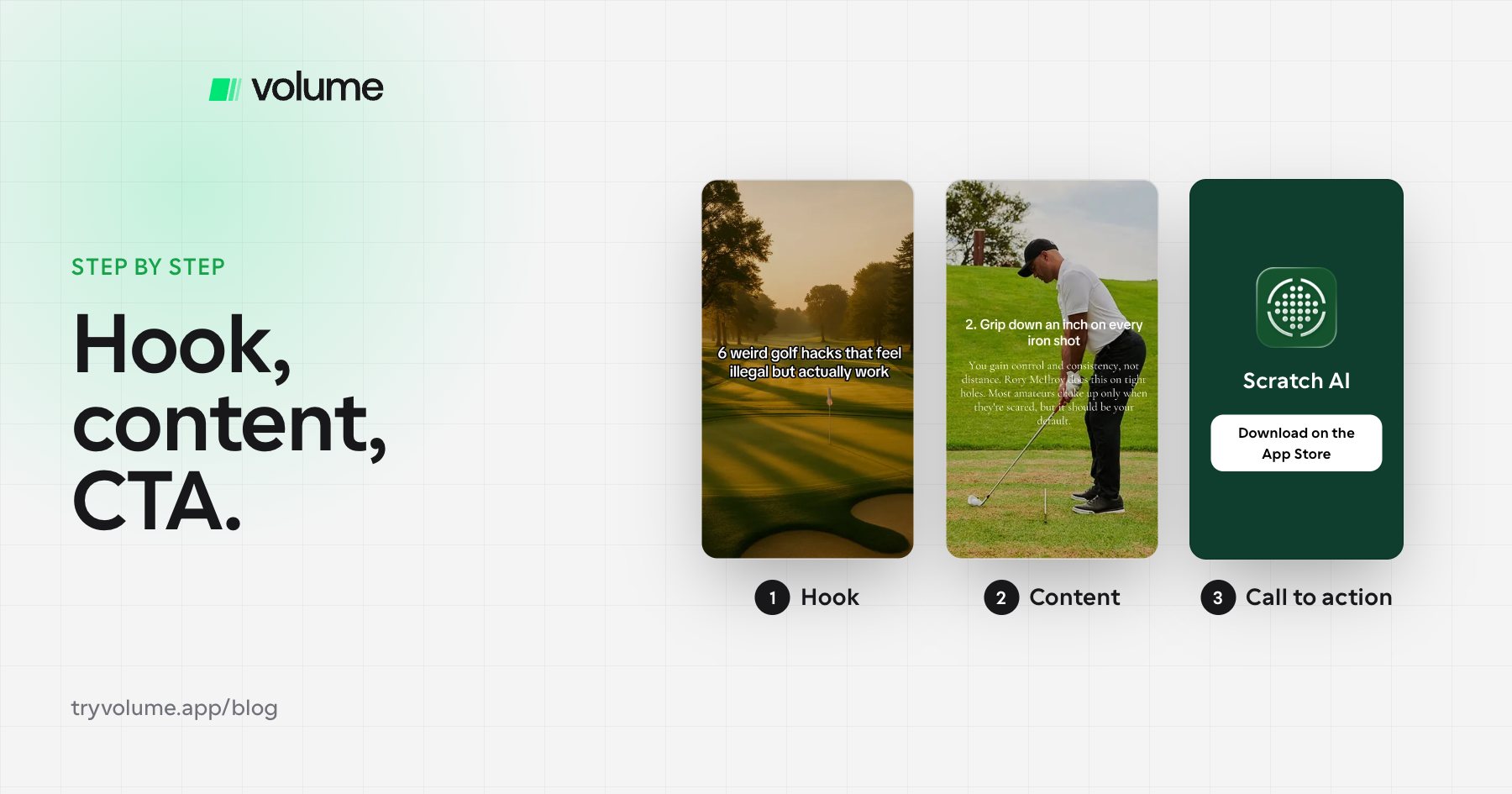
Every TikTok slideshow has three parts:
- The hook (slide one), which gets people to stop and swipe
- The content slides, which deliver on the hook's promise
- The call to action, which tells people where to go next
The hook and the call to action are the highest-leverage slides. A weak hook means few views, and few views means few downloads. A weak call to action means views that never turn into installs.
Step 3: Write a hook that promises value
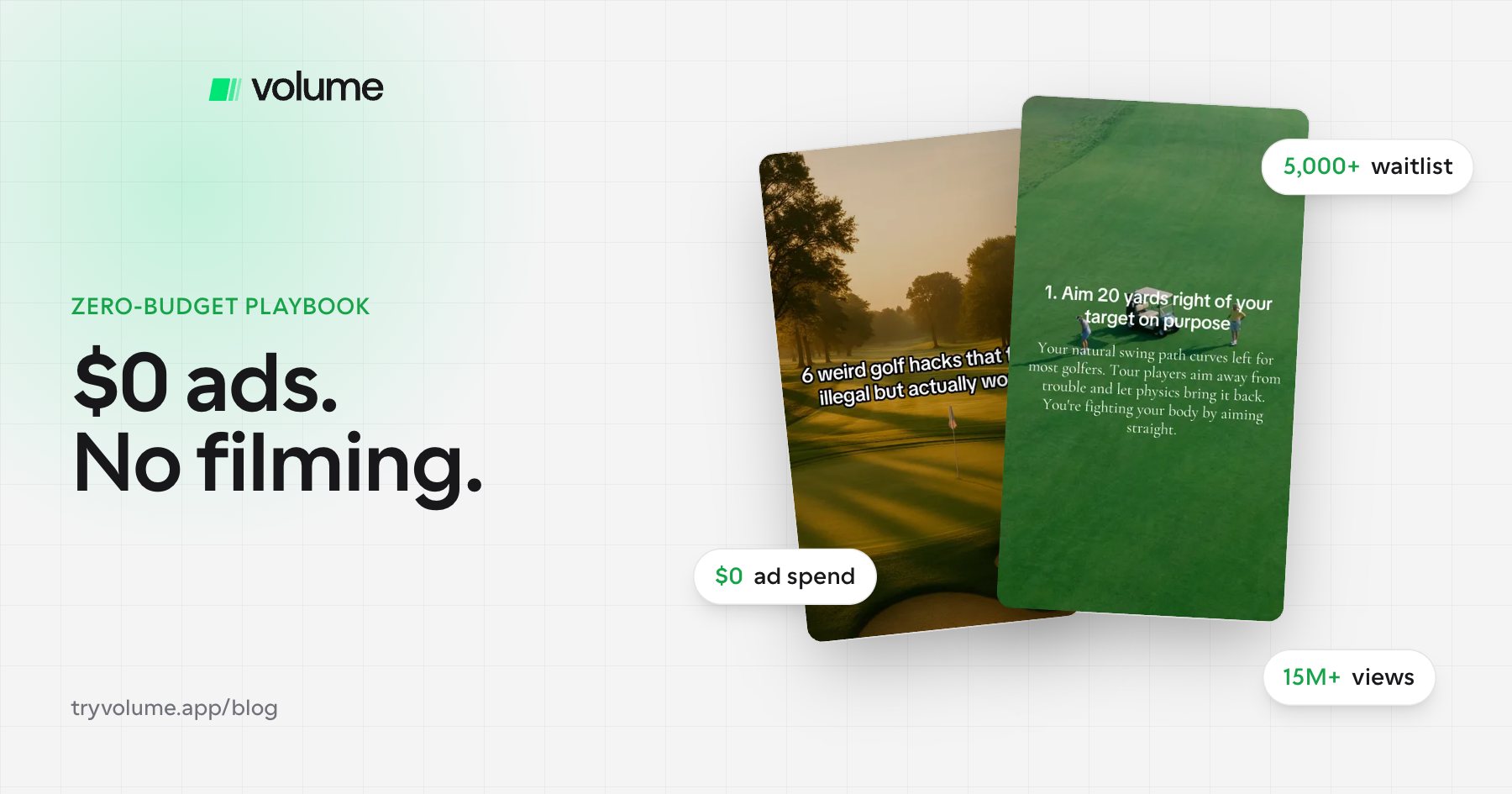
Say you're marketing a golf app. A strong hook might be "6 unexpected ways to get better at golf." It works for three reasons:
- It tells viewers exactly what they'll get by swiping.
- It promises something valuable: getting better at golf.
- It creates curiosity. What are these unexpected ways, and what am I missing?
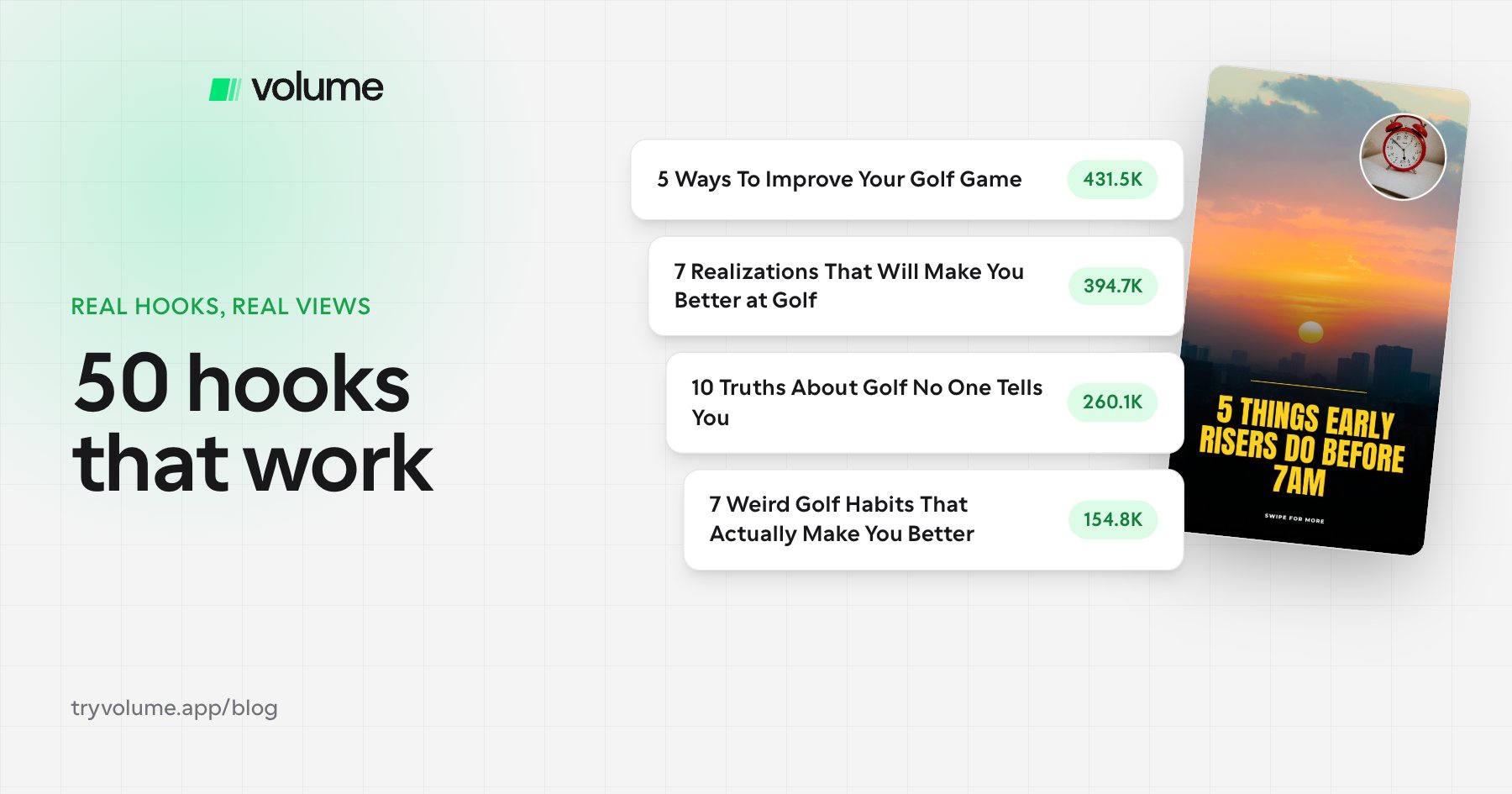
Test many hooks. Even changing one word can make a big difference.
Step 4: Deliver on the promise with your content slides
If your hook promises six unexpected ways to get better at golf, your content slides need to deliver six. Good slideshows are either educational or entertaining, because the metrics that matter most on TikTok are shares and saves. When people share your slideshow or save it for later, TikTok takes that as a signal to push it further.
Here's a trick that works well: make the last item on your list your app. The first five slides are real golf tips, and number six is "use Scratch AI." Your product becomes part of the value instead of an interruption.
Step 5: Build a call to action slide that converts
There are two types of call to action slides: hard and soft.
A hard CTA puts your app front and center. It needs three things:
- Where to get the app, such as a "Download on the App Store" badge or "Search on the App Store"
- The app's name, so people know what to search for
- The app working, which is your aha screen, so people see what it will do for them
A soft CTA mentions your app quietly. The app name might appear in the slide's text, but it doesn't take over the slide. Most people don't like watching ads, and a soft CTA is subtle enough that many viewers won't notice one or swipe away.
Each approach has a tradeoff:
- Hard CTAs usually get more downloads per 1,000 views, but when people recognize an ad, more of them swipe off. That hurts your analytics and can limit how many views you get.
- Soft CTAs usually get fewer downloads per 1,000 views, but they're easier to push to high view counts because the slideshow doesn't feel like an ad.
Test both and see which drives more total downloads for your app. Either way, small tweaks to this slide can make a big difference, so keep experimenting.
Step 6: Copy what's already working (80/20)
Social media already shows you what people want to see. If a post has a lot of views, it's a good post. When you're starting out, find accounts that are winning with slideshows and copy their formats and styles.
A good rule is that about 80% of your content should follow proven formats and 20% should be experiments. Starting with proven formats gets you results faster and builds a posting rhythm, since coming up with dozens of original ideas from scratch is hard.
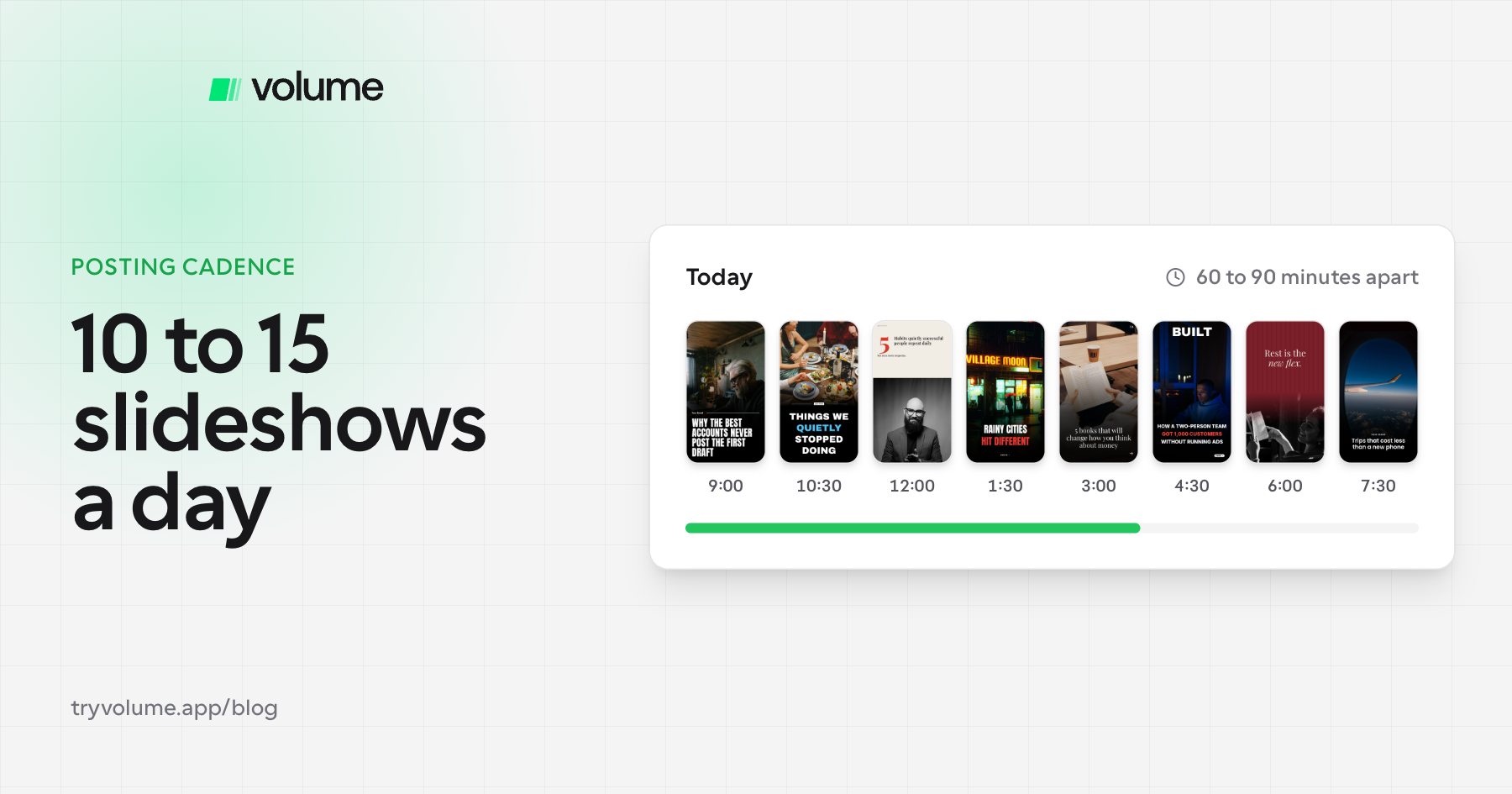
Step 7: Post a lot and double down on winners
The more you post, the faster you improve and the faster you learn what works. Experiment with hooks, styles, and call to action slides. When something wins, test similar versions of it. If one hook took off, close variations of it might too. You can also keep a winning hook and swap the background images, since every slide is just an image with text on top.
FAQ
- What is a TikTok slideshow?
- A TikTok slideshow is a swipeable post made of images with text, posted in TikTok's photo mode. It's a popular format for faceless app marketing.
- How many slides should a TikTok slideshow have?
- Enough to deliver on your hook. If the hook promises six tips, give six content slides, plus the hook slide and a call to action slide.
- What makes a good slideshow hook?
- A good hook tells viewers what they'll get, promises real value, and sparks curiosity. For example, "6 unexpected ways to get better at golf."
- What's the difference between a hard and soft CTA on TikTok?
- A hard CTA clearly promotes your app with its name, a screenshot, and where to download it. A soft CTA mentions your app subtly in the slide's text. Hard CTAs tend to convert better per view, while soft CTAs tend to get more views.
- Which metrics matter most for TikTok slideshows?
- Shares and saves. They tell TikTok your content is valuable, which helps it reach more people.
- How often should I post slideshows for my app?
- As often as you can manage consistently. More posts mean faster learning and more chances to find a winning format.
Make it repeatable
One of the best things about slideshows is that you can automate them. Once you've found your aha screen and a few winning hooks, tools like Volume let you produce slideshows in minutes instead of designing each one by hand, so you can spend your time testing instead of building.