The tools on this list fall into two groups. Content automation tools create the slideshows or videos and post them for you. Schedulers post content you've already made. Here's how the top options compare, with pricing checked in September 2026.
Quick answer: What's the best tool to automate TikTok posting?
For app founders, Volume is the best overall choice. It finds the formats already winning in your niche, turns them into slideshows for your app, and posts them to TikTok automatically. It's built by the team behind Scratch AI and Arrow, and designed to turn views into downloads. If you only need to schedule content you've already made, Post Bridge or Buffer are the simplest options.
1. Volume: Best for app founders
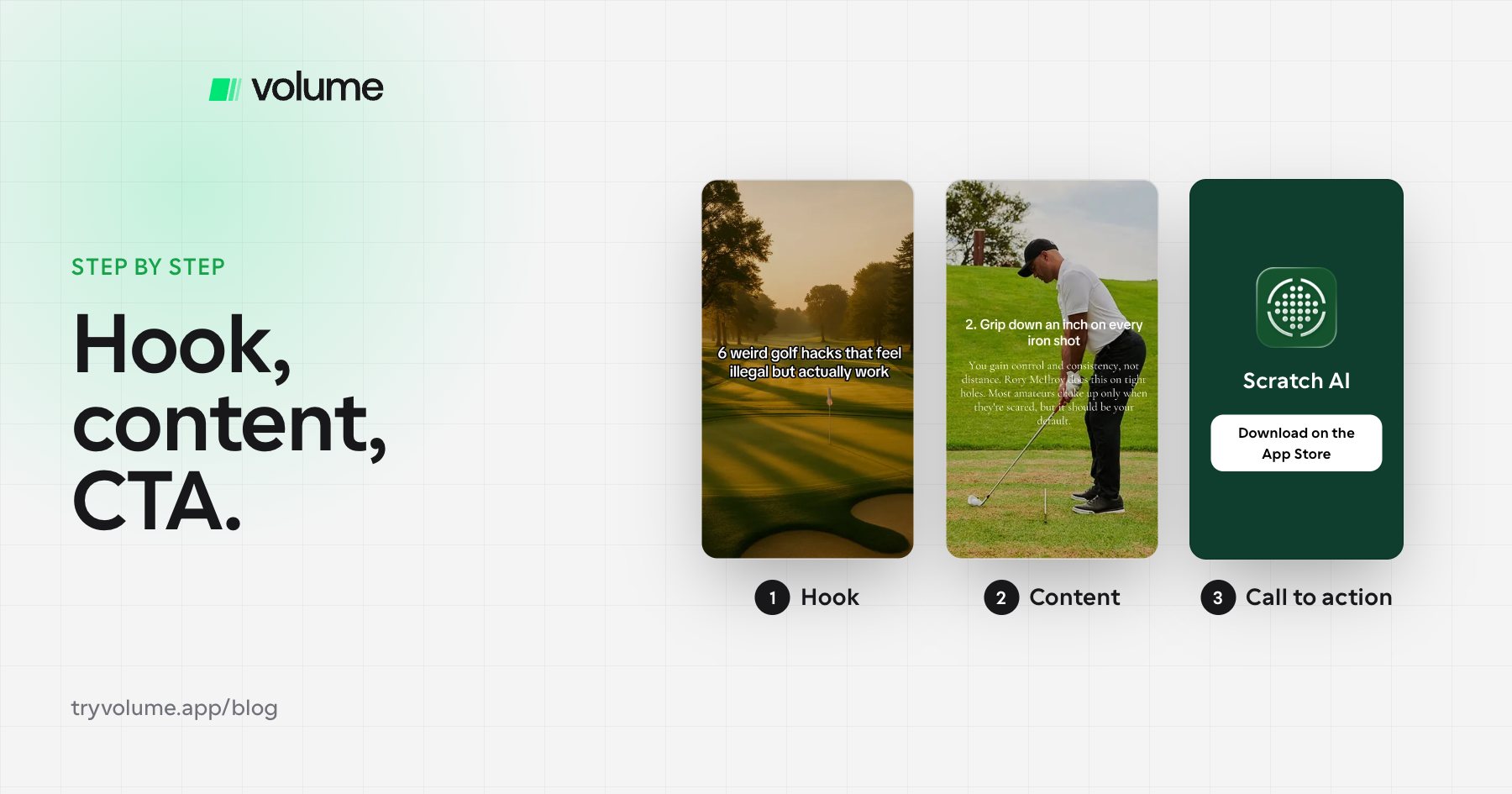
Volume is an organic growth platform built specifically for apps. It watches what's winning in your niche, tells you which hooks and styles to use, and turns them into slideshow campaigns that post to TikTok on a schedule. You can approve posts before they go out or let campaigns run on their own.
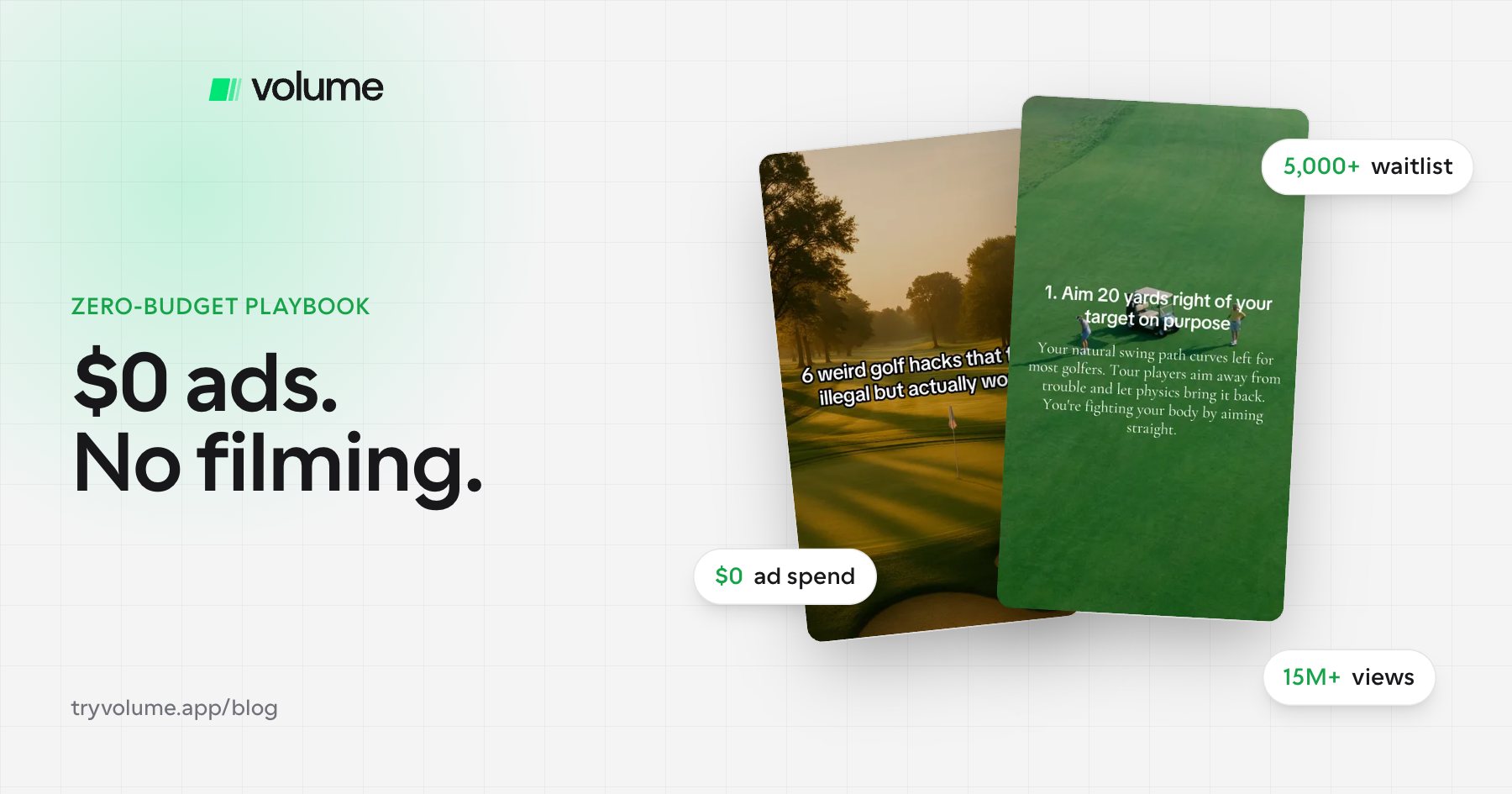
What makes Volume different is the team behind it. Volume's founders helped scale some of the biggest consumer apps in the space, including Arrow: Social Workout Tracker and Scratch AI, the golf app. Slideshows were central to both. Scratch AI built a waitlist of more than 5,000 people from slideshows alone before launch, has earned more than 15 million views on Volume slideshows, and hit $100k ARR in 7 days. Volume is the system the team uses to grow its own apps.
Key features:
- Slideshow campaigns that post automatically to TikTok (Instagram coming soon)
- Trend-watching that shows which hooks and formats are winning in your niche
- Unlimited accounts and campaigns on every plan
- Analytics with a RevenueCat connection, so you can see downloads and revenue, not just views
- A Claude MCP connection, so you can build and edit slideshows by chatting with Claude or recreate a proven post from its link
Pricing: 3-day free trial. Core is $29.99/month (60 posts, 100 AI image credits) and Pro is $69.99/month (300 posts, 400 AI image credits). Annual billing gives two months free. Enterprise is a done-for-you service where the Volume team runs your accounts.
Worth knowing: Volume focuses on slideshows, the format that has worked best for its founders' apps. Instagram posting is coming soon.
2. ReelFarm: Best for TikTok-only slideshow channels
ReelFarm automates faceless TikTok slideshows and AI UGC selfie content, then publishes them to connected TikTok accounts.
Pricing: Growth is $49/month for 100 slideshows and 10 TikTok formats, Scale is $95/month for 250 slideshows and 20 formats, and Enterprise is $195/month for 750 slideshows and 200 formats, with the option to add your own Anthropic API key for unlimited generations. New users can make 3 TikToks free.
Worth knowing: TikTok is its only confirmed native destination, and its content comes from templates and Pinterest images rather than your own site.
3. Fastlane: Best for AI UGC video
Fastlane generates slideshows and AI UGC videos from your website and publishes to several platforms.
Pricing: Fastlane has a free plan. Starter is $29/month with 20 content saves, Growth is $49/month with 100 content saves, and Pro is $149/month with unlimited content saves. Warmed accounts cost $100/month each, plus $1.50 per post upload.
Worth knowing: It posts to TikTok, Instagram Reels, YouTube Shorts, and LinkedIn, so it's a strong pick if AI avatar video is your main format. The entry plan's 20 content saves can run out quickly if you're posting daily.
5. Post Bridge: Best budget scheduler
Post Bridge is a simple, affordable scheduler for posting content you've already made.
Pricing: Starter is $29/month for 5 connected accounts, Creator is $39/month for 15 accounts, and Pro is $49/month with 49 accounts included and $1 per extra account. Every plan includes unlimited posts, carousel posts, API access, and an MCP connection.
Worth knowing: Post Bridge handles publishing well, but you still need to make the content yourself or in its basic content studio.
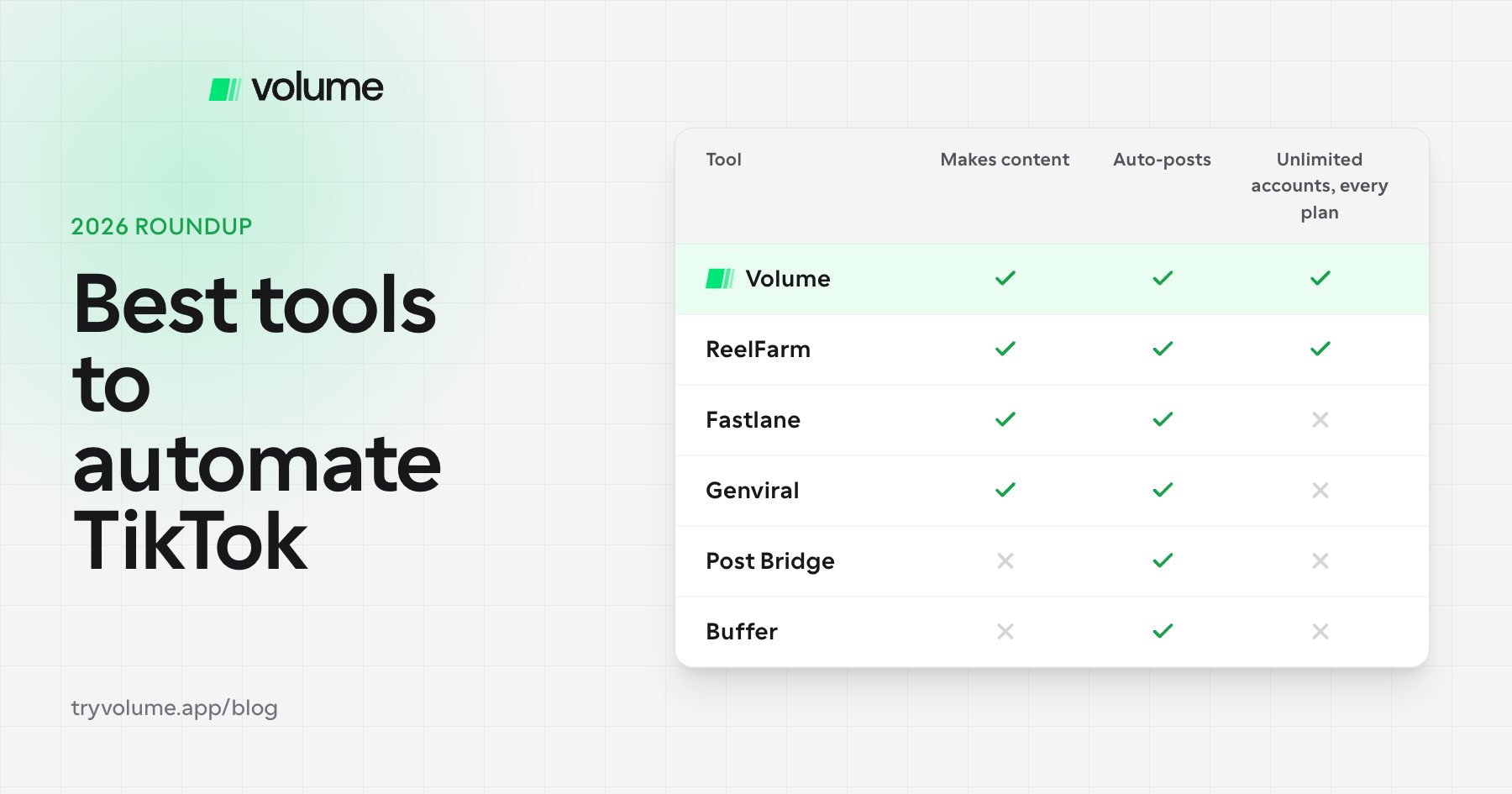
TikTok automation tools compared
| Tool | Starting price | Creates content | Auto-posts to TikTok | Accounts | Best for |
|---|---|---|---|---|---|
| Volume | $29.99/mo (3-day trial) | Yes, slideshows | Yes | Unlimited on every plan | App founders |
| ReelFarm | $49/mo | Yes, slideshows + AI UGC | Yes | Unlimited TikTok accounts | TikTok-only slideshow channels |
| Fastlane | Free / $29/mo | Yes, slideshows + AI UGC | Yes | Unlimited on Growth ($49) and up | AI UGC video |
| Genviral | $29/mo | Yes, AI studio | Yes | 5 to 100, by plan | All-in-one studio |
| Post Bridge | $29/mo | Basic studio | Yes | 5 to 49, then $1 per account | Budget scheduling |
| Buffer | Free / $5 per channel | No | Yes | Paid per channel (3 free) | General scheduling |
How to choose a TikTok automation tool
- If you're growing an app, pick a tool built around generating downloads, not just views. Look for revenue-connected analytics and proven slideshow formats.
- If you already make your own content, a scheduler like Post Bridge or Buffer is enough.
- If you want AI avatar videos, look at Fastlane or Genviral.
- If you run many accounts, check account limits and per-account fees before committing.
FAQ
- Can you automate TikTok posting?
- Yes. Tools like Volume, ReelFarm, Fastlane, Genviral, Post Bridge, and Buffer can publish to TikTok automatically. Some also create the content for you.
- What's the best TikTok automation tool for apps?
- Volume is built specifically for app founders by the team behind Scratch AI and Arrow. It connects analytics to RevenueCat so you can track downloads and revenue from your posts.
- How much do TikTok automation tools cost?
- Most cost $29 to $49 per month to start. Volume starts at $29.99/month, ReelFarm at $49/month, Fastlane and Genviral at $29/month, Post Bridge at $29/month, and Buffer at $5 per channel.
- Does automated posting hurt TikTok reach?
- Posting through official integrations shouldn't hurt reach on its own. Account health matters more: warm up new accounts and keep your posting consistent.
- Why use slideshows instead of videos?
- Slideshows are faster to make, easy to repeat once you find a winning format, and drive the shares and saves TikTok rewards. Scratch AI has earned more than 15 million views on Volume slideshows.
The bottom line
The right TikTok automation tool depends on what you're growing. If it's an app, you want more than a scheduler. You want a system that finds winning formats, posts consistently, and ties views back to downloads. That's what Volume was built to do, by a team that has used it to grow its own apps. You can try it free for 3 days.